
Best Gaming Monitors 2025 – Top Picks & Reviews
We tested esports TN, fast IPS, and cutting-edge OLED displays for motion clarity, color accuracy, and value. Below are our Top 3 Picks—with a quick comparison table and all our detailed reviews.
Top 3 Picks
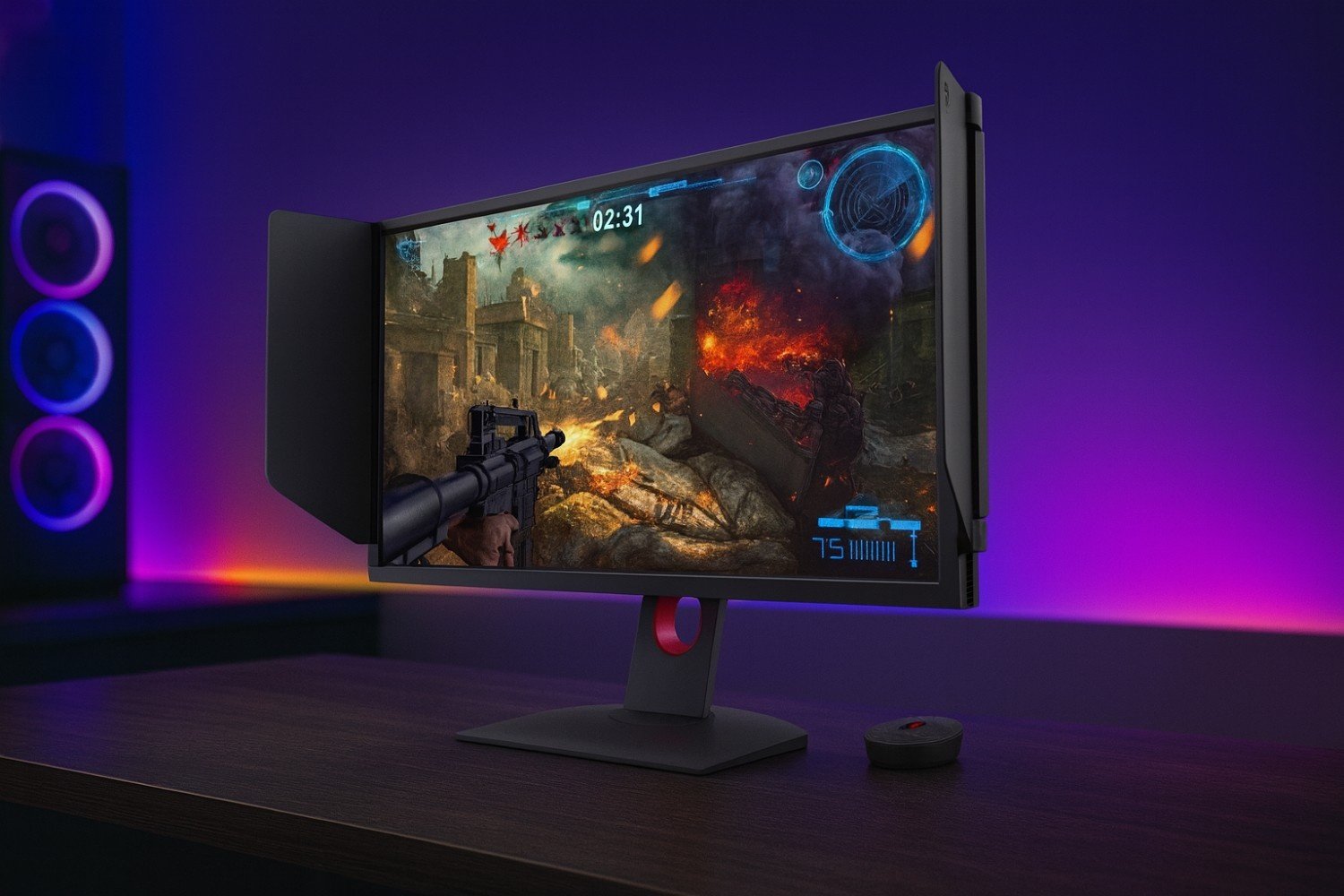
BenQ ZOWIE XL2546K
- 24.5″ 1080p esports TN
- DyAc⁺ motion clarity
- Tournament-trusted ergonomics
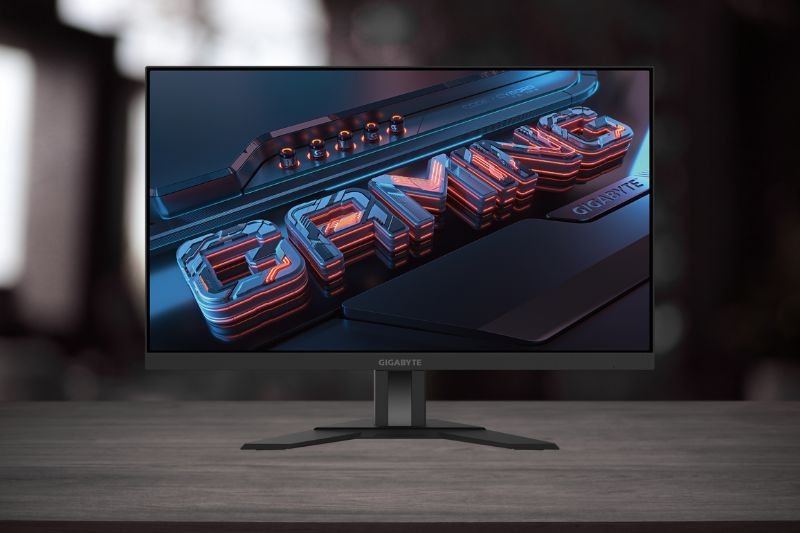
Gigabyte M27UA 27″
- 27″ 4K IPS, fast refresh
- USB-C with DP Alt & KVM
- Great all-rounder & productivity
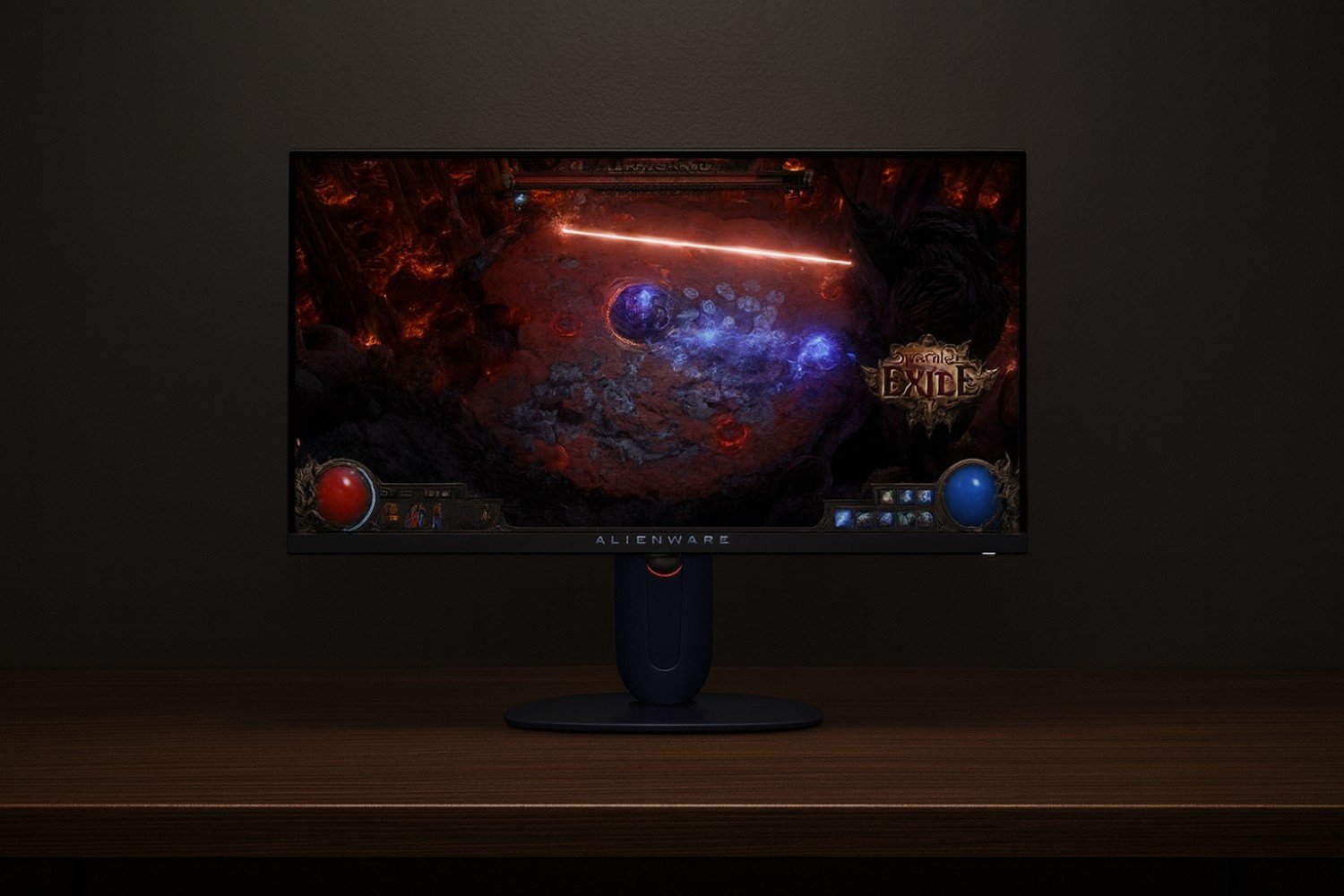
Alienware AW2725DM
- 27″ QD-OLED panel
- Ultra-fast refresh for esports
- Deep contrast & vivid HDR
Quick Comparison
| Monitor | Size / Panel | Resolution / Refresh | Best For | |
|---|---|---|---|---|
| BenQ ZOWIE XL2546K | 24.5″ TN (Esports) | 1080p / High Hz + DyAc⁺ | Pure FPS speed & clarity | Amazon |
| Gigabyte M27UA | 27″ IPS | 4K / Fast refresh | Mixed use: games + work | Amazon |
| Alienware AW2725DM | 27″ QD-OLED | QHD / Ultra-fast refresh | Esports + HDR immersion | Amazon |
💸 Best Gaming Monitors Under £200 (UK)
Want smooth gameplay on a budget? Our guide to the best gaming monitors under £200 in the UK covers top-rated 1080p displays with high refresh rates, fast response times, and great value for money. Perfect for competitive esports or casual AAA gaming without overspending.
All Reviews
BenQ ZOWIE XL2546K Review
Esports staple with elite motion clarity and flexible ergonomics.
Read review →
Gigabyte M27UA Review
Sharp 4K IPS with USB-C and KVM for seamless gaming + work.
Read review →
Alienware AW2725DM Review
QD-OLED speed and HDR pop for competitive and cinematic play.
Read review →Gaming Monitors FAQs
What is the best refresh rate for competitive gaming?
For esports titles like CS2, Valorant, and Fortnite, 240Hz or higher (such as 360Hz) provides the smoothest motion and lowest latency. For casual or mixed use, 144Hz–165Hz monitors remain excellent value.
Is 4K worth it for competitive gamers?
4K monitors provide stunning detail, but they demand powerful GPUs and usually max out at 144Hz or lower. Serious competitive gamers often prefer 1080p or 1440p high-refresh panels for maximum FPS.
Do I need G-SYNC or FreeSync for gaming?
Both G-SYNC and FreeSync reduce screen tearing by syncing your monitor’s refresh rate to your GPU output. For fast-paced gaming, adaptive sync makes gameplay smoother, especially when frame rates fluctuate.
What panel type is best for gaming monitors?
IPS panels give the best color accuracy and wide viewing angles. TN panels are faster but with weaker color, while VA panels balance contrast and price but can suffer from ghosting in esports titles.
Is HDR important for gaming monitors?
True HDR (DisplayHDR 600 or higher) can enhance visuals in single-player titles, but it’s less important in competitive gaming where speed and clarity matter more than dynamic contrast.