Best Gaming Keyboards Under $80 – 2025
On a tight budget? You don’t need to spend $100+ to get a solid gaming keyboard. We tested and researched the best gaming keyboards under $80 that are available on Amazon. These options balance performance, build quality, and features for entry-level and budget-conscious gamers.
Top 3 Budget Gaming Keyboards
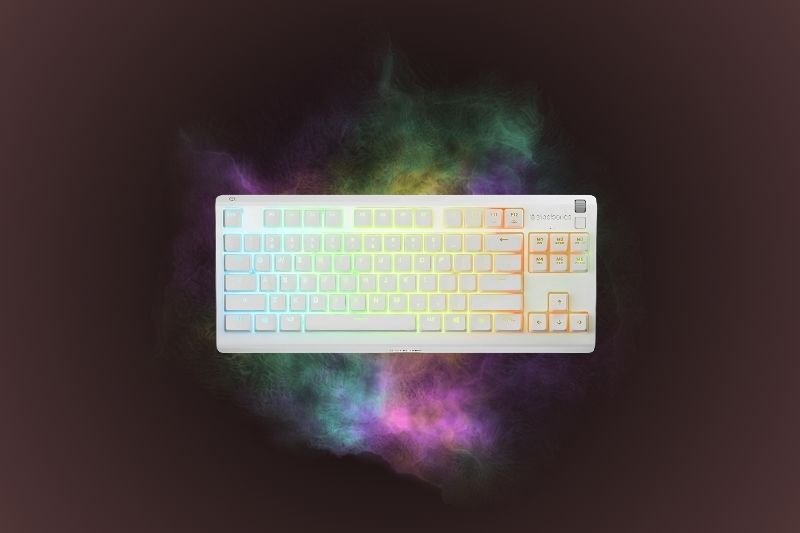
SteelSeries Apex 3 TKL
- Quiet gaming switches
- Water resistant (IP32 rating)
- Compact tenkeyless design
Redragon K552 Kumara
- True mechanical switches (Outemu Blue)
- Sturdy build with metal plate
- Compact TKL layout
Quick Comparison
| Keyboard | Type | Features | Best For | |
|---|---|---|---|---|
| SteelSeries Apex 3 TKL | Membrane (quiet) | Water resistant, RGB, TKL | Compact setups, quiet typing | Amazon |
| Logitech G213 | Membrane (low latency) | Full size, wrist rest, media keys | Everyday gaming + typing comfort | Amazon |
| Redragon K552 Kumara | Mechanical (Outemu Blue) | Metal plate, TKL, RGB | Mechanical feel under $80 | Amazon |
SteelSeries Apex 3 TKL — Quiet & Water Resistant
The SteelSeries Apex 3 TKL is one of the best options under $80 if you want a quiet, compact keyboard. It uses “gaming grade” membrane switches that feel softer than mechanical keys but still provide quick response for esports. Unlike most budget keyboards, it’s IP32 water resistant, which means accidental spills won’t instantly ruin it.
The tenkeyless design saves desk space while leaving more room for your mouse, especially useful for FPS players. Build quality is good for the price, with per-key RGB lighting and software support through SteelSeries GG. If you want something reliable and quiet, this is a strong pick.
Best for: quieter setups and gamers who want spill resistance on a budget.
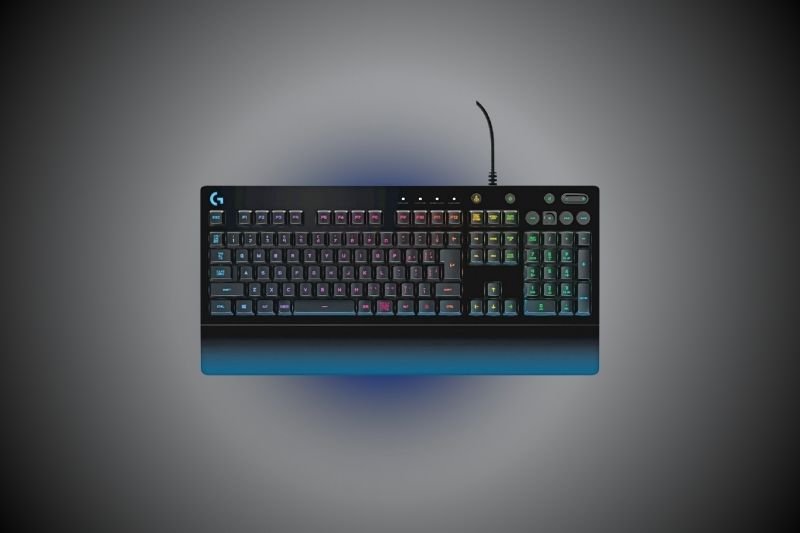
Logitech G213 — Full Size Comfort with Wrist Rest
The Logitech G213 Prodigy offers a full-size layout and a built-in wrist rest, which is rare at this price. The typing feel is membrane-based but tuned for low input latency, making it responsive for fast-paced games. Dedicated media controls and RGB zones add convenience for everyday use.
It’s bulkier than the SteelSeries TKL, but if you prefer having a number pad and extra keys, this is a solid all-rounder. For under $80, the build quality is decent, and Logitech’s G HUB software allows lighting and key customization.
Best for: gamers who want a comfortable full-size keyboard for both gaming and typing.
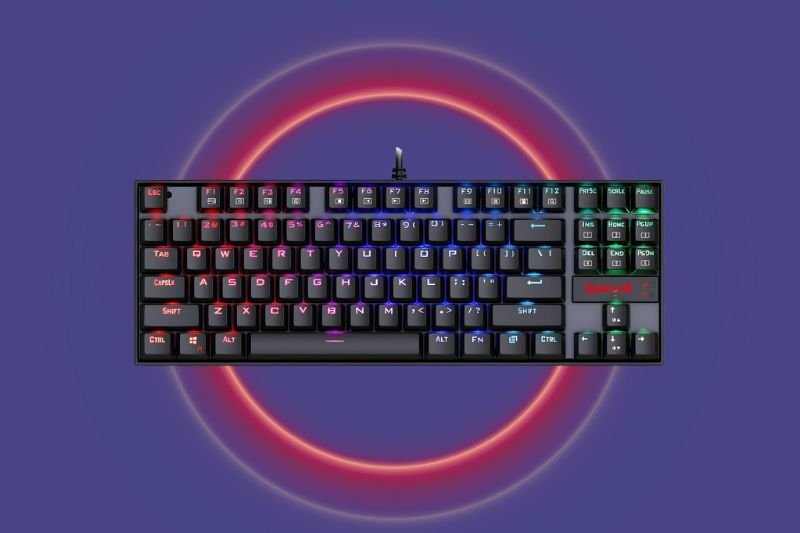
Redragon K552 Kumara — True Mechanical Feel
If you want a mechanical keyboard under $80, the Redragon K552 Kumara is the go-to choice. It uses Outemu Blue switches, which are clicky, tactile, and louder than membrane boards. This gives you the true mechanical feel without the high price tag of premium brands.
The keyboard is compact (TKL), with a metal top plate that makes it feel sturdy. RGB lighting is included, though customization is more basic compared to SteelSeries or Logitech. If you can handle the clicky noise, it’s easily the best value pick for mechanical lovers under $80.
Best for: gamers who want a mechanical switch feel without going over budget.
FAQs – Budget Gaming Keyboards
Are cheap gaming keyboards good for serious gaming?
Yes — while they don’t always match the durability or advanced switches of $100+ boards, budget models like the G213 and Apex 3 TKL are perfectly fine for esports, casual, and competitive gaming at 1080p setups.
Is mechanical better than membrane under $80?
If you want a true mechanical feel, the Redragon K552 is the clear choice. Membrane boards like the Apex 3 TKL and G213 are quieter and more comfortable for general use.
Do budget keyboards have RGB?
Yes — all three of our top picks include RGB lighting. Premium models may offer more customization, but you still get solid backlighting at this price point.
Which is best for small desks?
The SteelSeries Apex 3 TKL and Redragon K552 are tenkeyless, saving space for mouse movement. They’re great for FPS players or compact desk setups.