Best Gaming Monitors Under $300 (UK) – 2025
Three value-focused 1080p monitors you can find on Amazon UK for under $300. Expect smooth 144–170Hz motion, low input lag, and adaptive sync—perfect for entry-level esports and fast-paced shooters.
Top 3 Budget Picks
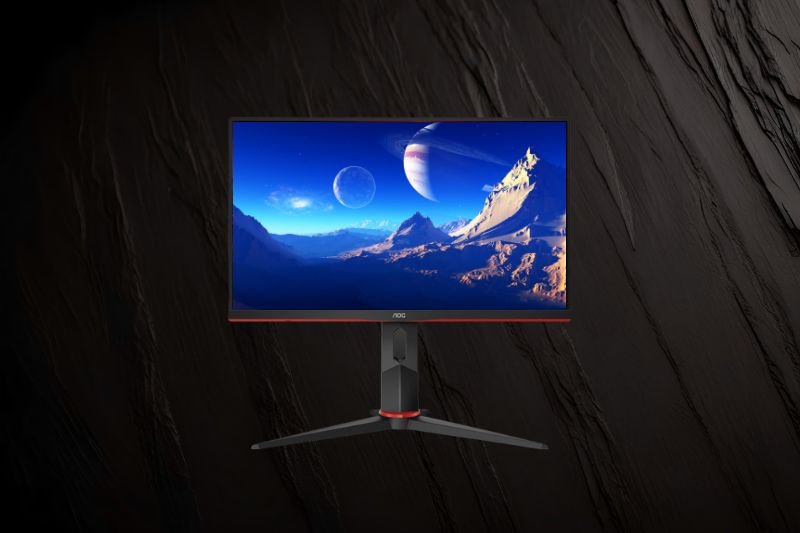
AOC 24G2SP/24G2SPU (24″ IPS, 165Hz)
- IPS panel, 1080p, up to 165Hz with FreeSync Premium
- Ergonomic stand (SPU) + height adjust; vibrant color
- Great motion handling for competitive play
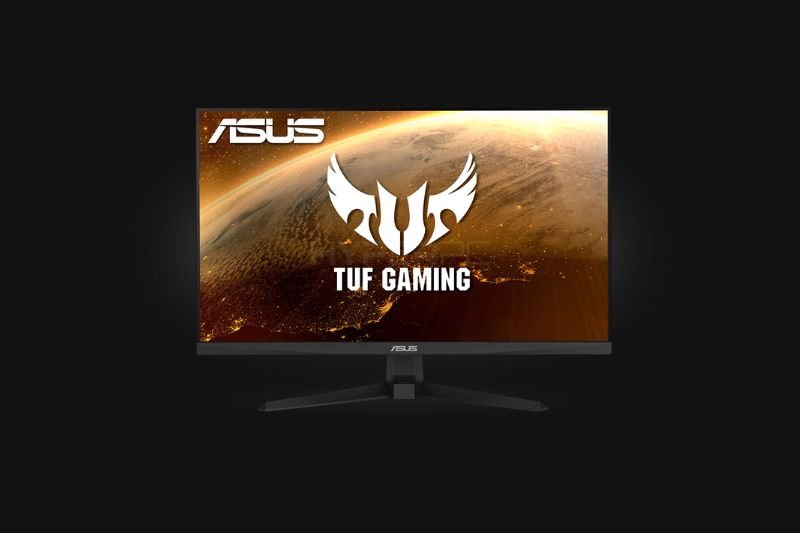
ASUS TUF VG249Q1A (23.8″ Fast IPS, 165Hz)
- Fast IPS, 165Hz, ELMB strobing + FreeSync Premium
- Excellent motion clarity & wide viewing angles
- 2× HDMI + DP; VESA mountable
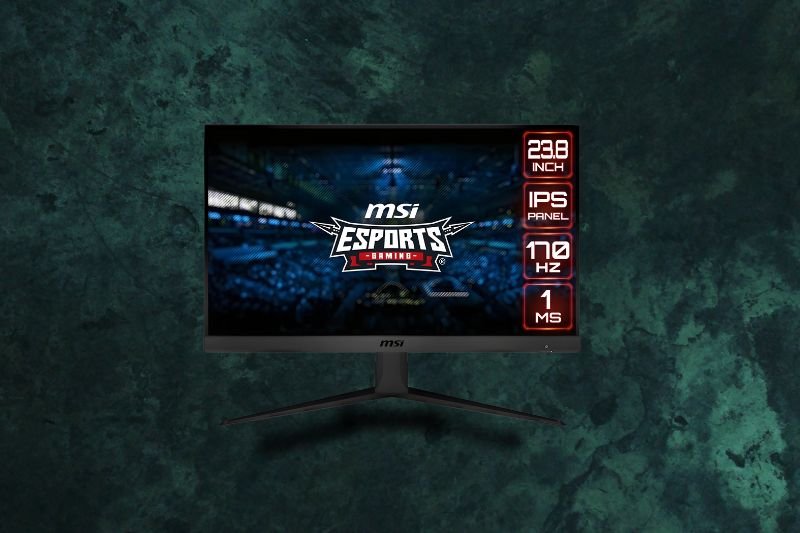
MSI G2412 (23.8″ IPS, 170Hz)
- 170Hz IPS with 1ms MPRT; FreeSync Premium
- Great entry-level esports value
- Slim bezels; tilt stand (VESA-ready)
Quick Comparison
| Monitor | Size | Panel | Refresh / Sync | Ports | Why Pick It | |
|---|---|---|---|---|---|---|
| AOC 24G2SP / 24G2SPU | 23.8–24″ | IPS (vibrant, wide angles) | 165Hz • FreeSync Premium | HDMI ×2, DP, (USB hub on SPU) | Proven classic: motion clarity + color; height-adjust on SPU. | Amazon |
| ASUS TUF VG249Q1A | 23.8″ | Fast IPS | 165Hz • FreeSync Premium • ELMB | 2× HDMI, DP, VESA | Top-tier motion for the price; great viewing angles & features. | Amazon |
| MSI G2412 | 23.8″ | IPS | 170Hz • FreeSync Premium | HDMI ×2, DP, VESA | Cheapest way into 170Hz IPS from a big brand; easy pick for esports. | Amazon |
AOC 24G2SP/24G2SPU — Best Overall Under $300
The AOC 24G2SP refreshes a cult-favourite formula: a fast 165Hz IPS panel with FreeSync Premium, low input lag, and punchy colour. Reviews consistently praise its motion handling and value, while the 24G2SPU adds a height-adjustable stand and USB hub for ergonomics and convenience. If you want the safest all-round 1080p pick for competitive play and everyday use, this is it.
Why we trust it: DisplayNinja and PCMonitors rate the 24G2SP family highly for responsiveness, colour and feature set at the price, making it a perennial budget recommendation in the UK.
Best for: competitive gamers who also want accurate colours and an adjustable stand.
ASUS TUF VG249Q1A — Best Motion Clarity
The VG249Q1A uses a Fast IPS panel with a native 165Hz refresh, ELMB backlight strobing, and FreeSync Premium for smooth, tear-free gameplay. Third-party tests highlight its excellent response times for the money, plus wide viewing angles and sensible port selection. It’s a brilliant “plug in and play” option for esports titles and fast shooters.
Why we trust it: RTINGS calls it a “decent budget monitor with great gaming performance,” and LaptopMedia notes strong sRGB coverage and practical gaming features (ELMB, presets) for this price tier.
Best for: players chasing the cleanest motion without paying premium prices.
MSI G2412 — Best Entry-Level 170Hz
The MSI G2412 is a super-affordable way to step up to a 170Hz IPS panel with 1ms MPRT and FreeSync Premium. You get slim bezels and a simple tilt stand (VESA mountable if you want height/arm later). For e-sports and fast action at 1080p, it’s a no-brainer starting point that frequently dips under $200.
Why we trust it: MonitorNerds’ review confirms it hits the key gaming metrics at its price, while retailers list it with strong buyer feedback for smoothness and clarity.
Best for: first 144–170Hz monitor buyers and budget e-sports setups.
FAQs – Gaming Monitors Under $300
Is 144–170Hz worth it over 60Hz?
Yes—high refresh massively improves motion clarity and input feel in shooters, racers, and MOBAs. Even at medium settings, it’s a noticeable upgrade from 60Hz.
IPS vs VA: which is better for budget gaming?
IPS generally offers faster pixel response and wider viewing angles—great for e-sports. VA has higher contrast but can show more motion blur. Under $300, IPS is usually the safer bet.
Do I need DisplayPort for 144Hz?
Many 1080p 144–170Hz monitors now support high refresh via HDMI on PC and consoles. For PCs, DisplayPort still gives the most compatibility at max refresh—check your GPU and the monitor’s port specs.
Will 1080p look soft on 27″?
Text sharpness drops a bit at 27″ 1080p vs 24″. For pure gaming it’s fine; for heavy text/work, 24″ is crisper. If you want 27″ and sharper text, consider 1440p (usually above $300).