
Best Gaming Laptops 2025 – Top Picks & Reviews
We tested battery life, thermals, GPU performance, and displays across thin-and-light and full-power rigs. Below are our Top 3 Picks—with a quick comparison and detailed reviews.
Top 3 Picks
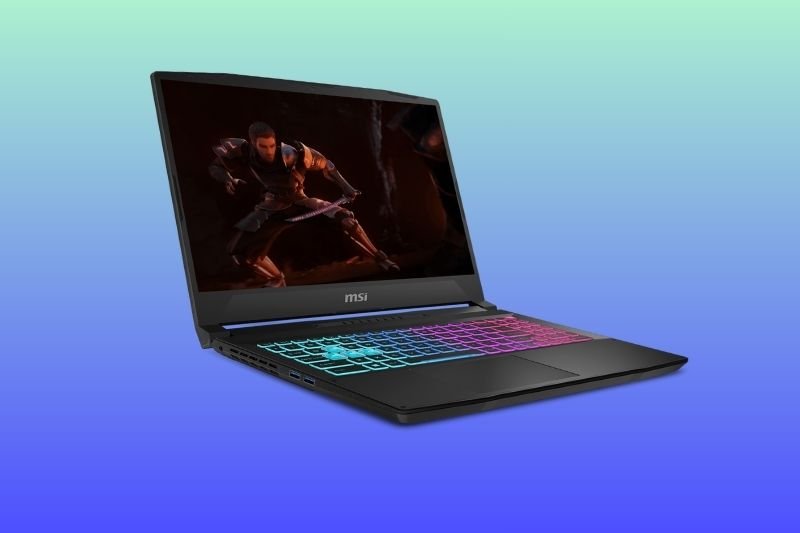
MSI Katana 15 HX (15.6″ 165Hz QHD+)
- Intel Core i9-14900HX + RTX 5070
- 32GB DDR5, 1TB NVMe SSD
- Value-friendly 165Hz QHD+ panel
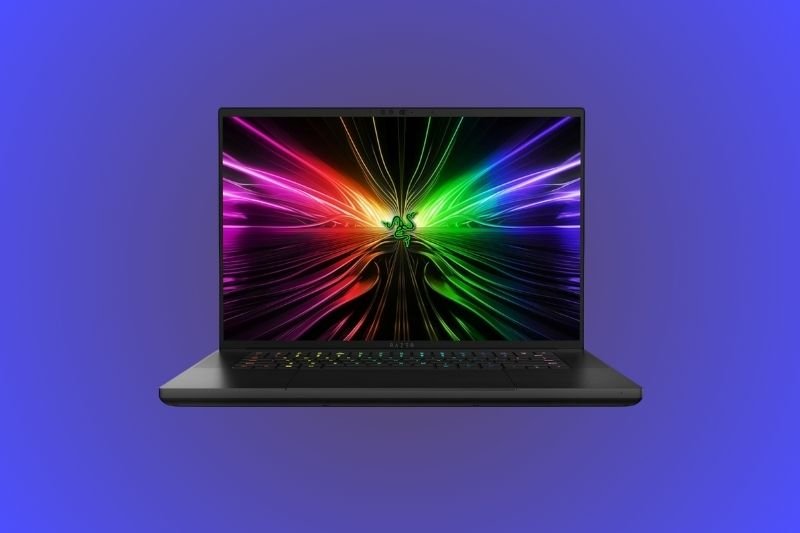
Razer Blade 16 (2025)
- Premium build with high-refresh display
- High-end RTX options, great keyboard
- Strong performance for work & play
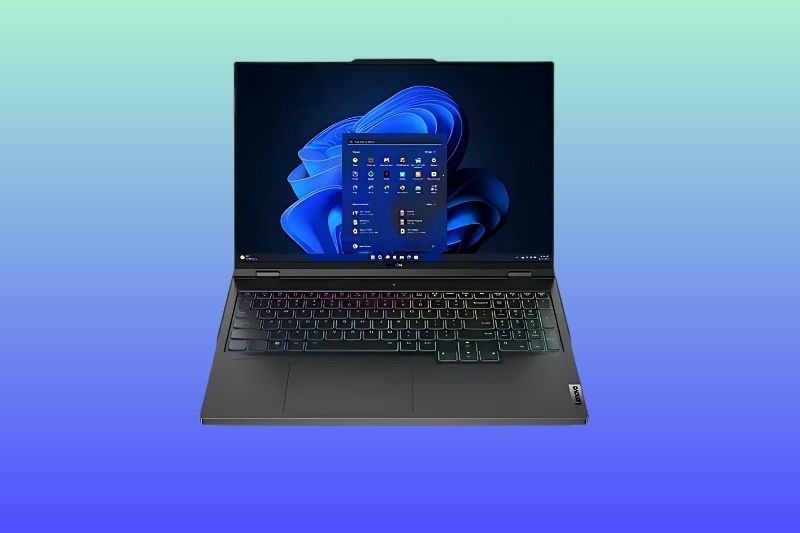
Lenovo Legion Pro 7i 16″ OLED (240Hz)
- Core Ultra 9 275HX + RTX 5080
- 32GB RAM, 2TB NVMe, robust cooling
- WQXGA OLED 240Hz for speed + contrast
Quick Comparison
| Laptop | Display | CPU / GPU Tier | Weight | Best For | |
|---|---|---|---|---|---|
| MSI Katana 15 HX | 15.6″ QHD+ 165Hz (IPS) | i9-14900HX / RTX 5070 | ~2.2–2.4 kg | High-refresh value gaming | Amazon |
| Razer Blade 16 (2025) | 16″ high-refresh premium | High-end RTX options | ~2.1–2.4 kg | Power + build quality | Amazon |
| Lenovo Legion Pro 7i 16″ OLED | WQXGA OLED 240Hz | Ultra 9 275HX / RTX 5080 | ~2.5–2.7 kg | Flagship FPS & visuals | Amazon |
Quick comparison of displays, performance tiers, weights, and best uses.
💸 Best Budget Gaming Laptops Under $1500
Looking for power without breaking the bank? We’ve rounded up the best budget gaming laptops under $1500, tested for performance, cooling, and real-world gaming results. These machines deliver smooth 1080p gameplay, modern RTX graphics, and strong multitasking performance — all at a price that’s accessible.
All Reviews
Gaming Laptops FAQs
Is an OLED display worth it on a gaming laptop?
OLED delivers deep contrast and instant response—excellent for single-player and creative work. If you need maximum sustained brightness or worry about static UI, a fast IPS panel remains a great choice.
How much GPU/VRAM do I need for 1440p gaming?
For modern AAA at 1440p high settings, aim for a tier comparable to a desktop RTX 4070 or higher. Esports players can hit high refresh with mid-tier GPUs thanks to lighter graphics loads.
Can thin-and-light laptops sustain performance under long loads?
Good designs with efficient cooling can sustain clocks well, but thicker systems still hold an edge for marathon sessions. Balanced performance modes and undervolting can help thermals and fan noise.