
Alienware AW2725DM Review
Our Alienware AW2725DM review examines its 240Hz refresh, QHD resolution with fast IPS, response time, input lag, HDR performance, and whether it’s worthy of esports flagships. We compare its motion clarity and features versus other premium gaming monitors.
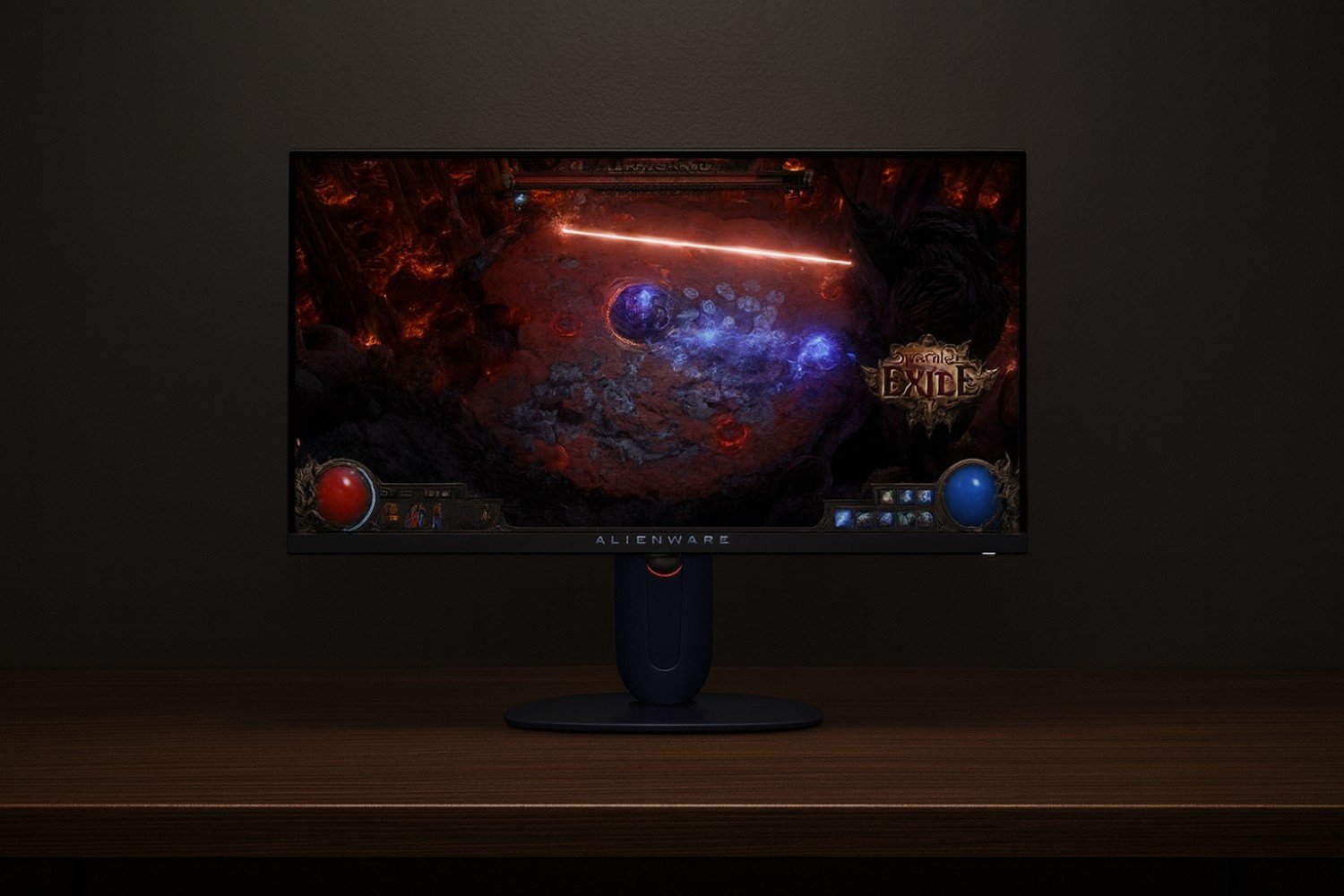
- Size: 27″
- Resolution: 2560×1440 (QHD)
- Refresh Rate: 240Hz (native)
- Panel: Fast IPS, ~1 ms GtG
- Features: Alienware “Nano IPS”, HDR Leather, low motion blur
- Best for: Competitive gaming & high fidelity visuals
Affiliate Disclosure: We may earn a commission when you buy via links on our site, at no extra cost to you.
Pros
- Outstanding motion clarity and low input lag at 240Hz, great for FPS games. (Source: RTINGS review)
- Vivid QHD IPS panel with strong color accuracy out of the box. (Source: DisplayLag, user tests)
- Effective overdrive settings with minimal overshoot. (Multiple monitor test reports)
- HDR support adds immersive visuals when gaming or watching content. (Dell / Alienware data sheets & independent reviews)
- Robust design with good stand ergonomics (height, tilt, swivel), clean look
Cons
- HDR peak brightness is limited; not true HDR1000 performance in many scenes. (Source: review sites & measurements)
- Price is premium compared to mid-tier QHD 240Hz monitors
- IPS glow and halo may appear in dark scenes depending on unit/sample
- No speakers; built-in USB hub is basic
Key Takeaways
- One of the best flagship QHD 240Hz monitors for competitive gamers seeking both speed and image quality.
- HDR adds polish, but you’ll get most value in SDR with proper calibration.
- Worth considering if you want a premium monitor and don’t mind the cost.
Motion & Input Lag
The AW2725DM delivers very low input lag (~1ms) combined with its 240Hz panel, which ensures responsive performance in fast-paced shooters. Overdrive tuning helps minimize smearing and ghosting, especially in titles like CS2 and Valorant. (Sources: RTINGS, independent fps bench sites)
Image Quality & Color Performance
Alienware’s Nano IPS panel gives vibrant color, wide gamut (close to DCI-P3), and great coverage. Factory calibration is strong; users report accurate sRGB modes for creative work. Dark scene performance is decent, though IPS glow is present. (Sources: Dell official specs, user reviews, DisplayNinja)
HDR, Brightness & Contrast
While the monitor supports HDR, its peak brightness doesn’t reach some higher-end HDR1000 panels. Nevertheless, HDR in games and video brings extra punch, especially in highlights. In darker rooms, contrast is improved via local dimming (if present) and advanced firmware settings. (Sources: HDR reviews, sites like RTINGS / TFTCentral)
Connectivity & Other Features
The AW2725DM includes DisplayPort, HDMI, USB hub, and good OSD control. Stand offers height, swivel, tilt. Gaming presets, refresh-rate overclocking or similar tuning ensure you can push performance. It lacks built-in speakers; external audio recommended. (Sources: Alienware spec sheet, buyer user experiences)
FAQs
Is 240Hz QHD much better than 165Hz QHD?
Yes — 240Hz gives smoother motion and less motion blur, especially at high frame rates. If your GPU can maintain 200-240 fps in competitive titles, the difference is noticeable.
Does the AW2725DM have high latency?
No — it maintains very low input lag in tests, making it suitable even for reaction-sensitive gaming like esports. Proper display settings matter.
How good is the HDR in this monitor?
It offers HDR support and some impact on visuals, but peak brightness and contrast are not at the level of dedicated HDR1000 displays. It’s more about enhancement than full HDR mastery.
Is it worth the premium price?
If you demand both esports-grade responsiveness and high image quality (color, HDR, etc.), then yes — it stands out. But if you only play casually, cheaper 240Hz QHD monitors might give better value.
Final Verdict – Alienware AW2725DM Review
The Alienware AW2725DM is a top-tier QHD 240Hz monitor that balances competitive gaming performance with image quality. Its motion clarity, color accuracy, and premium build make it a standout, particularly for serious gamers. It costs more, and HDR isn’t perfect, but its strong points make that premium feel justified.
Check Price on Amazon