
Best Gaming Keyboards 2025 – Top Mechanical Picks & Reviews
We tested dozens of mechanical and wireless boards for speed, comfort, and value. Below are our Top 3 Picks—with a quick comparison table and all our detailed reviews.
Top 3 Picks
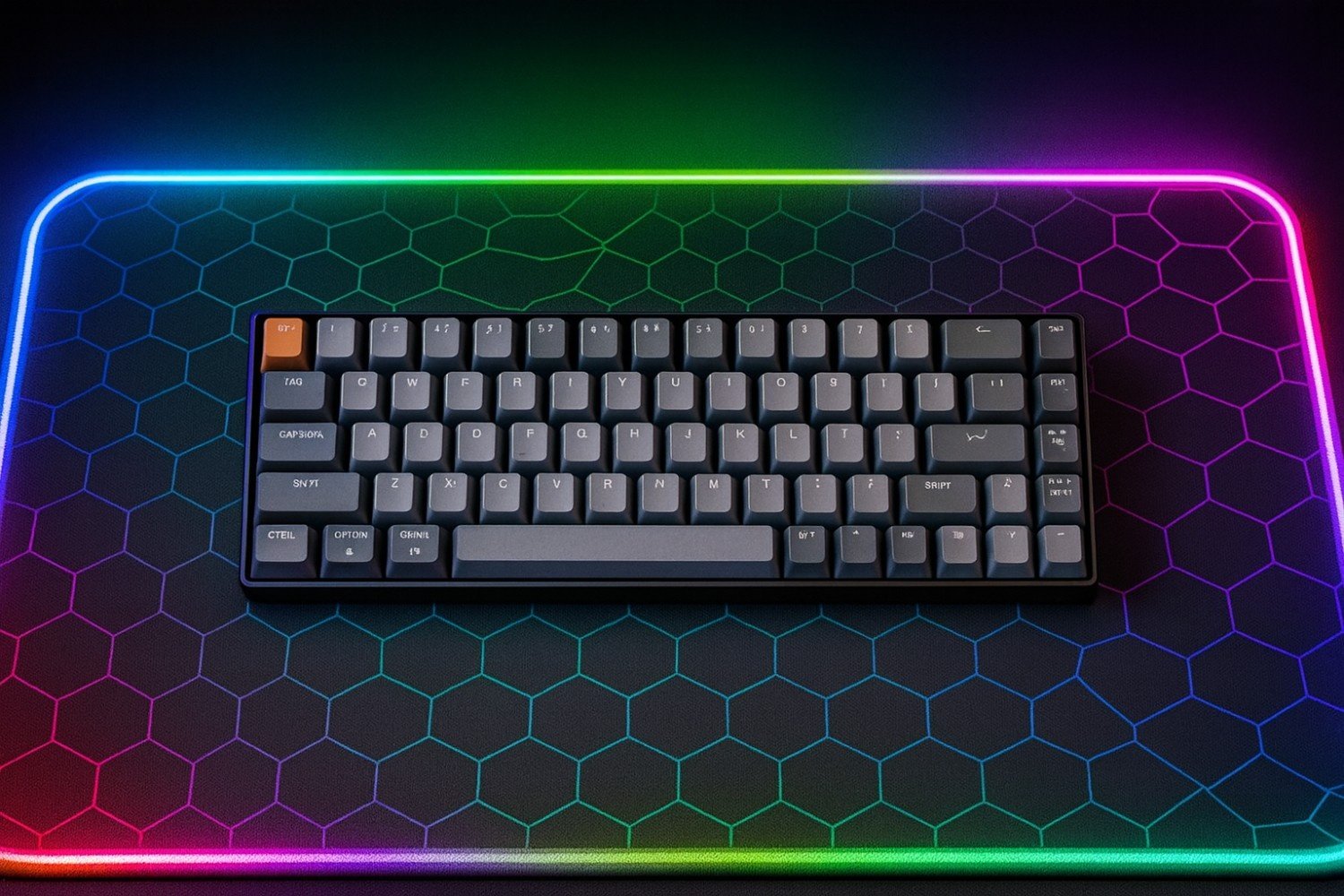
Keychron K6 Wireless Mechanical Keyboard
- Compact 65% layout saves desk space
- Hot-swappable switches
- Bluetooth 5.1 + USB-C wired
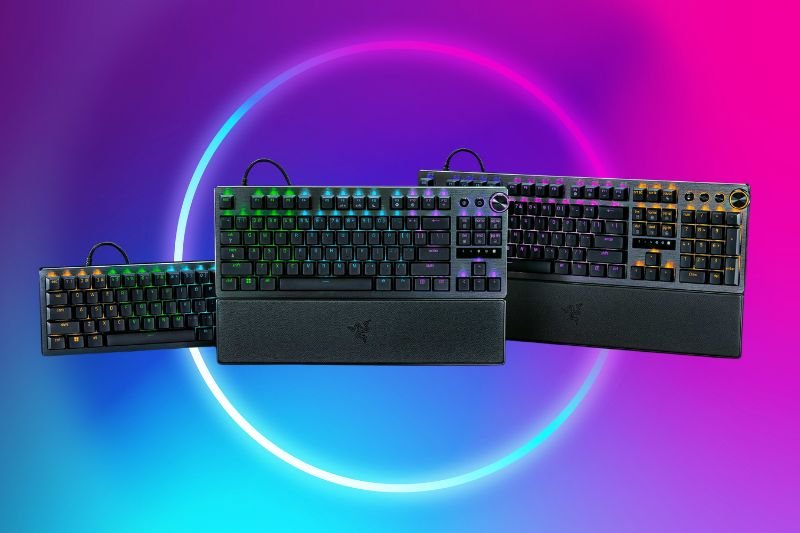
Razer Huntsman V3 Pro
- Analog optical switches with actuation tuning
- Esports-level latency
- Sturdy build, RGB per-key lighting
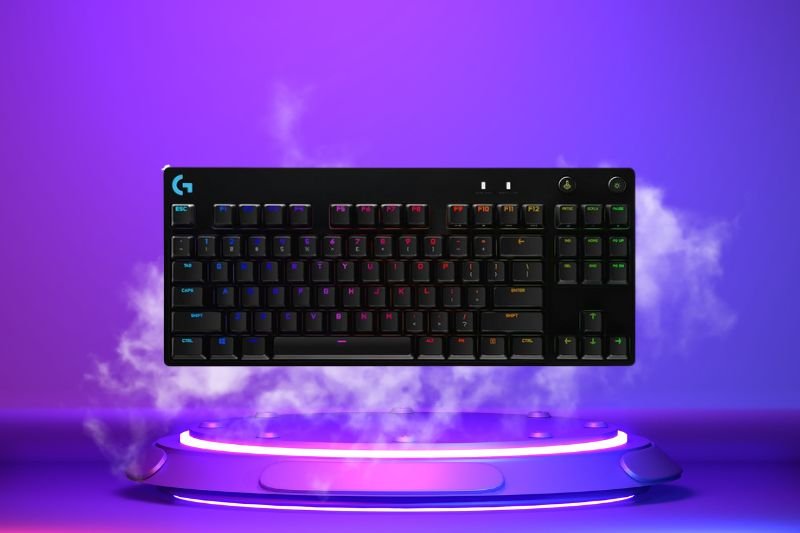
Logitech G PRO X TKL Lightspeed
- Wireless Lightspeed + BT
- Compact TKL layout with media keys
- Tournament-tested, long battery
Quick Comparison
| Keyboard | Layout | Switch Type | Connectivity | Best For | |
|---|---|---|---|---|---|
| Keychron K6 Wireless | 65% | Hot-swap Mechanical | Bluetooth 5.1 / Wired | Compact productivity & gaming | Amazon |
| Razer Huntsman V3 Pro | Full / TKL | Analog Optical | Wired USB-C | Esports & competitive play | Amazon |
| Logitech G PRO X TKL Lightspeed | TKL | GX Mechanical | Lightspeed / BT / Wired | Tournament-ready wireless | Amazon |
Quick comparison of layouts, switch types, connectivity, and best uses.
⌨️ Best Gaming Keyboards Under £50 (UK)
On a tight budget? We’ve rounded up the best gaming keyboards under £50 in the UK. These models deliver solid build quality, responsive switches, and gamer-friendly features without overspending.
All Reviews
Gaming Keyboards FAQs
What keyboard layout should I choose (60%, 65%, TKL, full-size)?
Choose based on space and keys you need. 60% saves the most space but drops arrows and F-keys; 65% keeps arrows; TKL keeps F-keys but drops the numpad; full-size gives you everything but takes the most room.
Are hot-swappable switches worth it?
Yes if you plan to tweak feel or sound. Hot-swap sockets let you try different switch types without soldering, which increases longevity and resale value.
Is wireless good enough for gaming?
Modern 2.4 GHz (e.g., Lightspeed) rivals wired latency and is tournament-proven. Bluetooth is fine for productivity and casual play but not ideal for competitive titles.
Mechanical vs optical switches — which should I get?
Mechanical switches offer classic feel and huge variety; optical switches can provide lower latency and higher durability. Pick based on your priority: feel/customization vs. speed/consistency.
What keycap material is best?
PBT resists shine and feels textured; ABS can look shinier over time but often has brighter legends. Double-shot molding is preferred for durable legends.