
Dell Alienware AW3425DW Review: Immersive Gaming Experience
The Dell Alienware AW3425DW is designed for gamers and creative professionals seeking a premium visual experience. With its expansive 34-inch curved screen and advanced Quantum Dot OLED technology, this monitor addresses the need for vibrant colors and deep contrasts, making it perfect for both gaming marathons and graphic-intensive tasks.
- Screen Size: 34 inches
- Resolution: 3440 x 1440 (WQHD)
- Refresh Rate: 175 Hz
- Panel Type: Quantum Dot OLED
- Key Feature: G-Sync & FreeSync Compatible
| Key Specifications | |
|---|---|
| Screen Size | 34 inches |
| Resolution | 3440 x 1440 (WQHD) |
| Refresh Rate | 175 Hz |
| Panel Type | Quantum Dot OLED |
| Response Time | 0.1 ms |
| G-Sync | Yes |
| FreeSync | Yes |
In This Review
Overview & Key Features
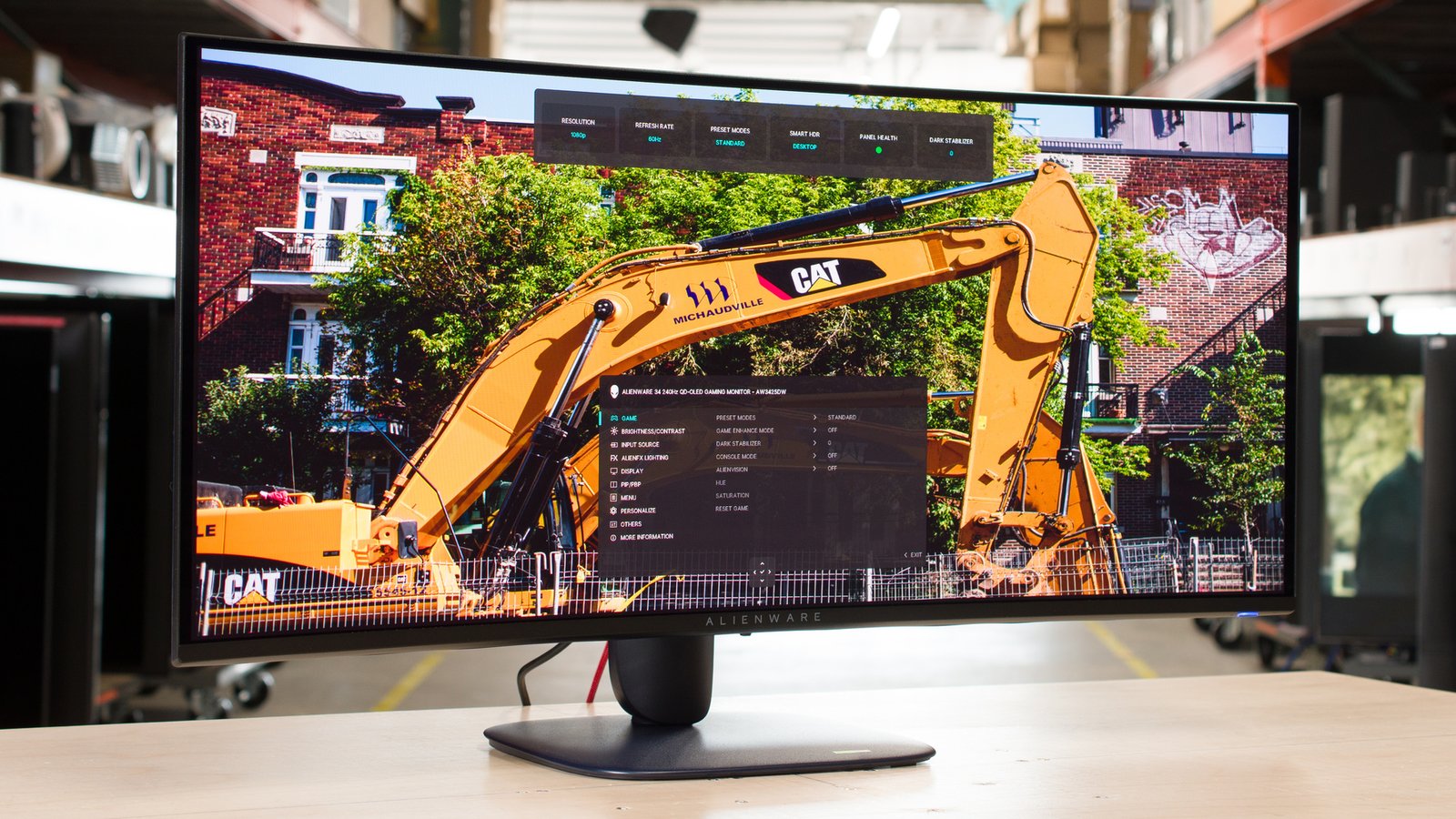
The Dell Alienware AW3425DW is a cutting-edge gaming monitor that combines an immersive curved display with advanced technology. Its 3440 x 1440 resolution provides crisp visuals, while the Quantum Dot OLED panel ensures vibrant colors and true blacks. With a refresh rate of 175 Hz, it delivers smooth motion, making it ideal for fast-paced gaming genres like first-person shooters and racing games. The monitor is compatible with G-Sync and FreeSync, minimizing screen tearing and providing a seamless experience during intense gaming sessions. The overall design is sleek, featuring customizable AlienFX RGB lighting, which adds a personal touch to your gaming setup.
Performance & User Experience
In terms of performance, the AW3425DW excels in delivering stunning visuals with minimal input lag, enhancing the gaming experience. The Quantum Dot OLED technology offers impressive color accuracy right out of the box, which is particularly beneficial for content creators and designers who require precise color representation. Users have noted the monitor’s exceptional HDR capabilities, providing bright highlights and deep shadows, perfect for immersive gameplay in titles that utilize HDR features. The 0.1 ms response time further enhances the fluidity of gameplay, ensuring that even the fastest movements are rendered clearly and without ghosting.
However, it’s important to note that the monitor lacks built-in speakers and a headphone jack, which may be a drawback for those looking for an all-in-one solution. Despite this, the overall user experience remains highly positive, with many praising its ease of setup and intuitive interface.
Comparison
When comparing the Dell Alienware AW3425DW with other high-end gaming monitors, it stands out due to its unique combination of features. Competing models like the LG UltraGear 34GN850 and the ASUS ROG Swift PG349Q offer similar specifications, but the AW3425DW’s Quantum Dot OLED panel provides superior color vibrancy and contrast. Moreover, the inclusion of both G-Sync and FreeSync compatibility ensures versatility for different graphics cards, catering to a wider audience.
Looking for more options? Check out our best gaming monitors.
While the competition might offer different design aesthetics or additional features, the Alienware model’s performance and visual quality make it a compelling choice for gamers and professionals alike.
Pros & Cons
- Stunning color accuracy
- Immersive curved design
- Excellent HDR performance
- Fast response time
- G-Sync &
- FreeSync compatible
- No built-in speakers
- Lacks headphone jack
- Pricey for some budgets
FAQ
What is the best use for the Dell Alienware AW3425DW?
It is ideal for gaming and creative work, providing stunning visuals and color accuracy.
Does it support HDR?
Yes, it features superb HDR capabilities for enhanced contrast and brightness.
What are the connectivity options?
It includes multiple HDMI and DisplayPort connections, but lacks USB-C.
Is it good for console gaming?
Yes, it works well with consoles that support high resolutions and refresh rates.
Final Verdict
The Dell Alienware AW3425DW is a top-tier gaming monitor that excels in both performance and visual fidelity. It is best suited for gamers and professionals who prioritize color accuracy and immersive experiences. However, those looking for a more budget-friendly option or built-in audio solutions may want to consider alternatives. Check current pricing as it may fluctuate.